Implementing Micro Frontends with Craco: A Guide to Scalable Web Development
How to use Craco — Create React App Configuration Override — to build, customize and integrate independent micro frontends without ejecting from CRA.
filed under: react · micro-frontends · craco · architecture · scalability
Implementing Micro Frontends with Craco: A Guide to Scalable Web Development
Introduction
In today's fast-paced world of web development, the need for scalable and maintainable front-end solutions has never been greater. One approach gaining popularity is the use of micro frontends, a technique that allows teams to work independently on small, self-contained parts of a web application. In this article, we'll explore how to implement micro frontends using Craco, a configuration utility for Create React App (CRA).
Micro Frontends: A Brief Overview
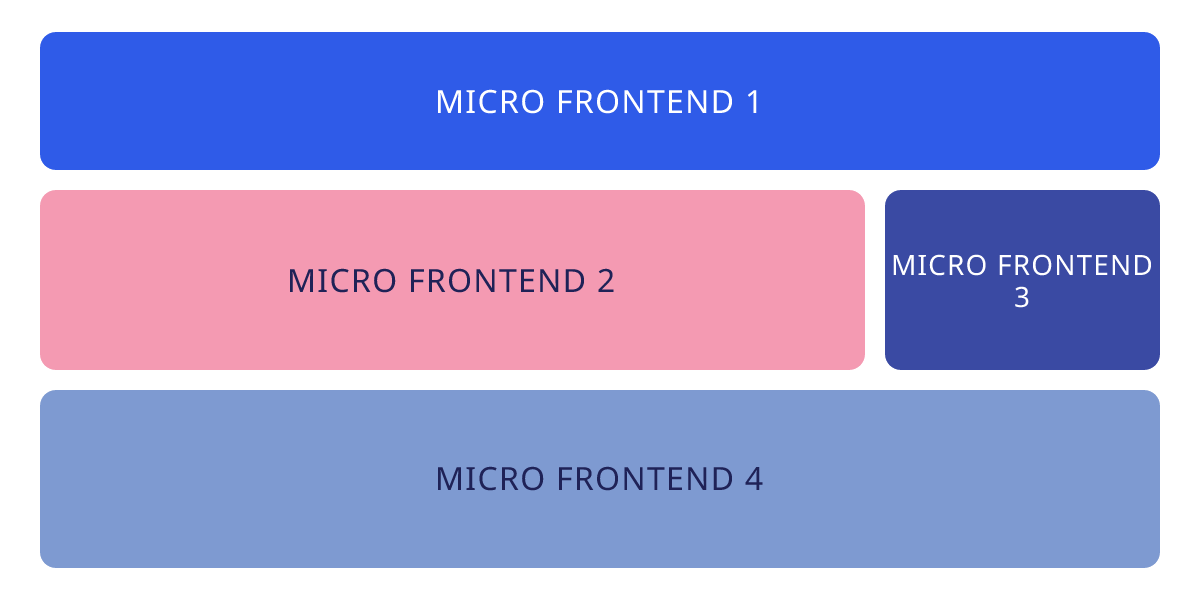
Micro frontends are an architectural approach that mirrors the principles of microservices for the front-end development world. Instead of building a monolithic front-end application, micro frontends divide the user interface into smaller, self-contained units, each managed by a separate team. These units can be developed, deployed, and tested independently, leading to greater flexibility, scalability, and faster development cycles.
Craco: A Powerful Tool for Create React App
Create React App (CRA) is a popular tool for setting up a React application quickly. However, CRA comes with a predefined configuration, making it challenging to customize your build pipeline. That's where Craco (Create React App Configuration Override) comes in. Craco allows developers to extend or override CRA's configuration without ejecting from it, maintaining the benefits of CRA while tailoring the build process to specific needs.
Implementing Micro Frontends with Craco
To implement micro frontends using Craco, follow these steps:
1. Create Multiple React Apps. Divide your application into smaller, self-contained React applications, each representing a distinct micro frontend. These can be created using CRA or any other preferred method.
2. Install Craco. In each of the micro frontend projects, install Craco by running the following command:
npm install @craco/craco --save3. Create a Craco Configuration File. Create a craco.config.js file in the root of each micro frontend project. This file will contain the configuration overrides for Craco. Here's a basic example:
// craco.config.js
module.exports = {
  // Customize your Craco configuration here
};
4. Customize the Build Process. Customize the Craco configuration for each micro frontend to meet its specific requirements. You can adjust webpack settings, add plugins, and configure other build-related options. This customization ensures that each micro frontend can be built independently.
5. Integration. To integrate these micro frontends into a single application, you have several options:
- Server-Side Includes (SSI): Use server-side technologies like Nginx or Apache to include the micro frontends at runtime.
- Client-Side Routing: Use a client-side routing library like React Router to load micro frontends dynamically based on the route.
- iFrames: Embed the micro frontends within iframes, although this approach has some limitations and may require additional communication mechanisms.
Benefits of Using Craco for Micro Frontends
- Maintainability: Craco allows you to keep each micro frontend project self-contained, making it easier to manage and maintain codebases.
- Independence: Teams can work on micro frontends independently, enabling faster development cycles and reducing coordination overhead.
- Scalability: As your application grows, you can scale individual micro frontends without impacting the entire system.
- Flexibility: Craco provides the flexibility to customize the build process for each micro frontend, ensuring that specific requirements are met.
Conclusion
Implementing micro frontends using Craco is an effective way to scale and maintain complex web applications. By dividing your application into smaller, manageable parts, you can achieve greater flexibility and agility in your development process. Craco empowers you to customize your build pipeline while harnessing the benefits of Create React App, making it a valuable tool for modern web development. Start exploring the world of micro frontends and revolutionize your approach to building web applications.
— fin —